Manufacturing footage can show movement, scale and skill, but some information remains difficult to communicate through pictures alone. A viewer may not recognise a specialist process, understand what a measurement means or know why one production stage matters. On-screen graphics can bridge that gap.
Used carefully, captions, diagrams and animated overlays make manufacturing video production clearer without interrupting its pace. The aim is not to cover the screen with data. Good graphics guide attention, explain essential detail and help technical and non-technical viewers follow the same story.
Begin with the information the footage cannot explain
Every graphic should solve a communication problem. A process name may need identifying, a sequence may need numbering or a performance figure may deserve emphasis. If the footage and interview already make the point clearly, another label may add clutter rather than value.
During pre-production, list the claims and technical details that viewers must understand. Decide which can be demonstrated visually, which need an expert’s explanation and which are best expressed through text or animation.
This planning works alongside the broader decisions about what to include in a manufacturing company video. It keeps graphics connected to the film’s purpose instead of adding them as decoration after editing.
Use captions to establish context quickly
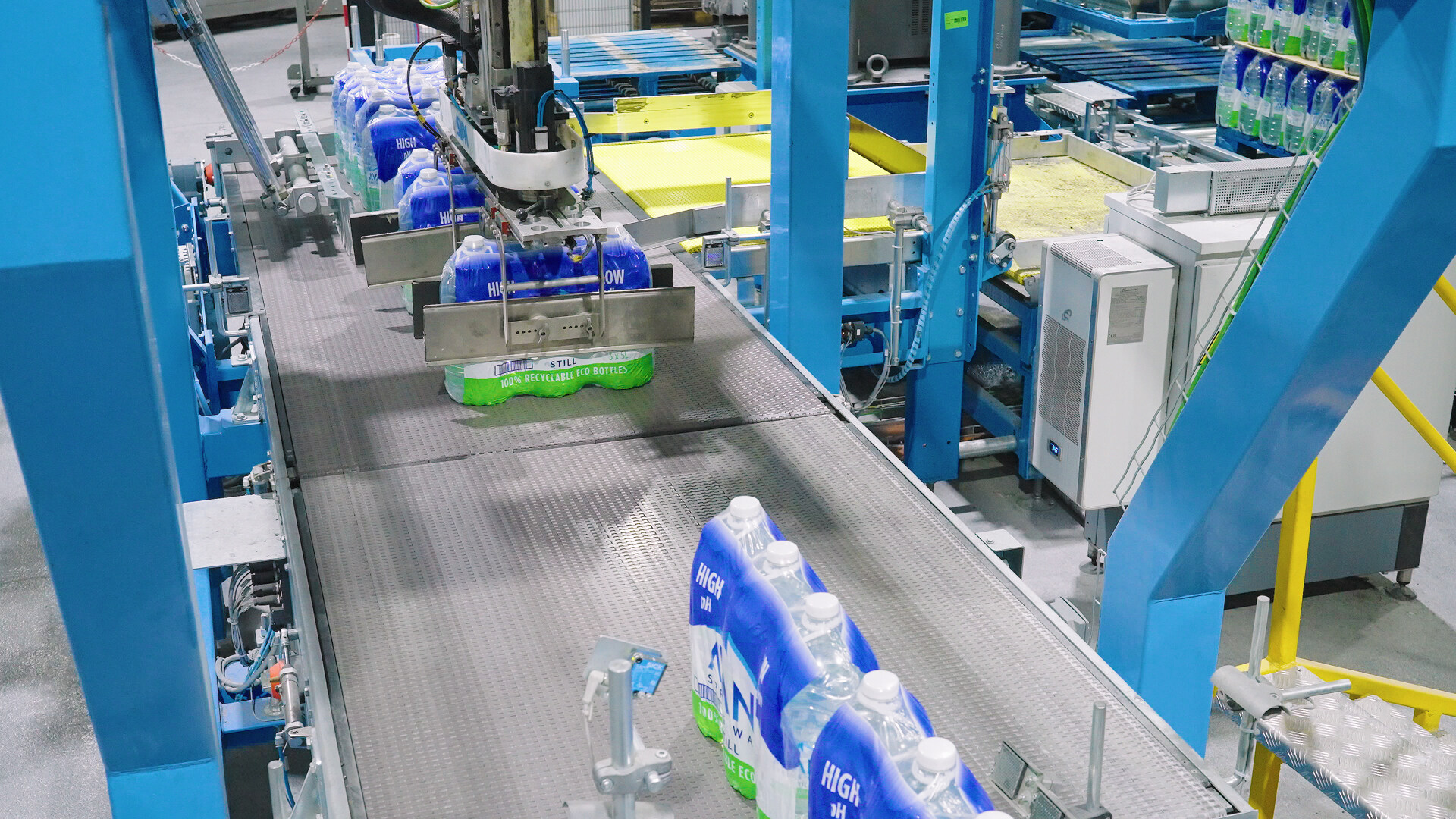
Short captions can identify machines, materials, locations and production stages without requiring a long voiceover. They are especially useful when viewers may join the film midway, as they often do at exhibitions or on social platforms.
Wording should be concise and understandable outside the organisation. Internal abbreviations may be familiar to employees but meaningless to customers. Where a technical term is necessary, a brief plain-language description can provide context.
Captions must remain visible long enough to read. Their size, contrast and position should work on phones as well as large presentation screens. Consistency makes the information feel like part of one coherent system.
Make figures meaningful rather than overwhelming
Production speed, tolerances, capacity and efficiency gains can be persuasive, but a screen full of numbers is difficult to absorb. Select the figures that directly support the main message and give each one enough visual space.
Context matters. “Ten-micron tolerance” may be important to an engineer, but another viewer may need to know what that precision achieves. A short supporting phrase can connect the number to reliable assembly, reduced waste or consistent product performance.
All data should be confirmed before the edit is approved. Units, decimal places and claims must match current specifications, and any commercially sensitive figures should be cleared for publication.
Use diagrams to reveal hidden processes
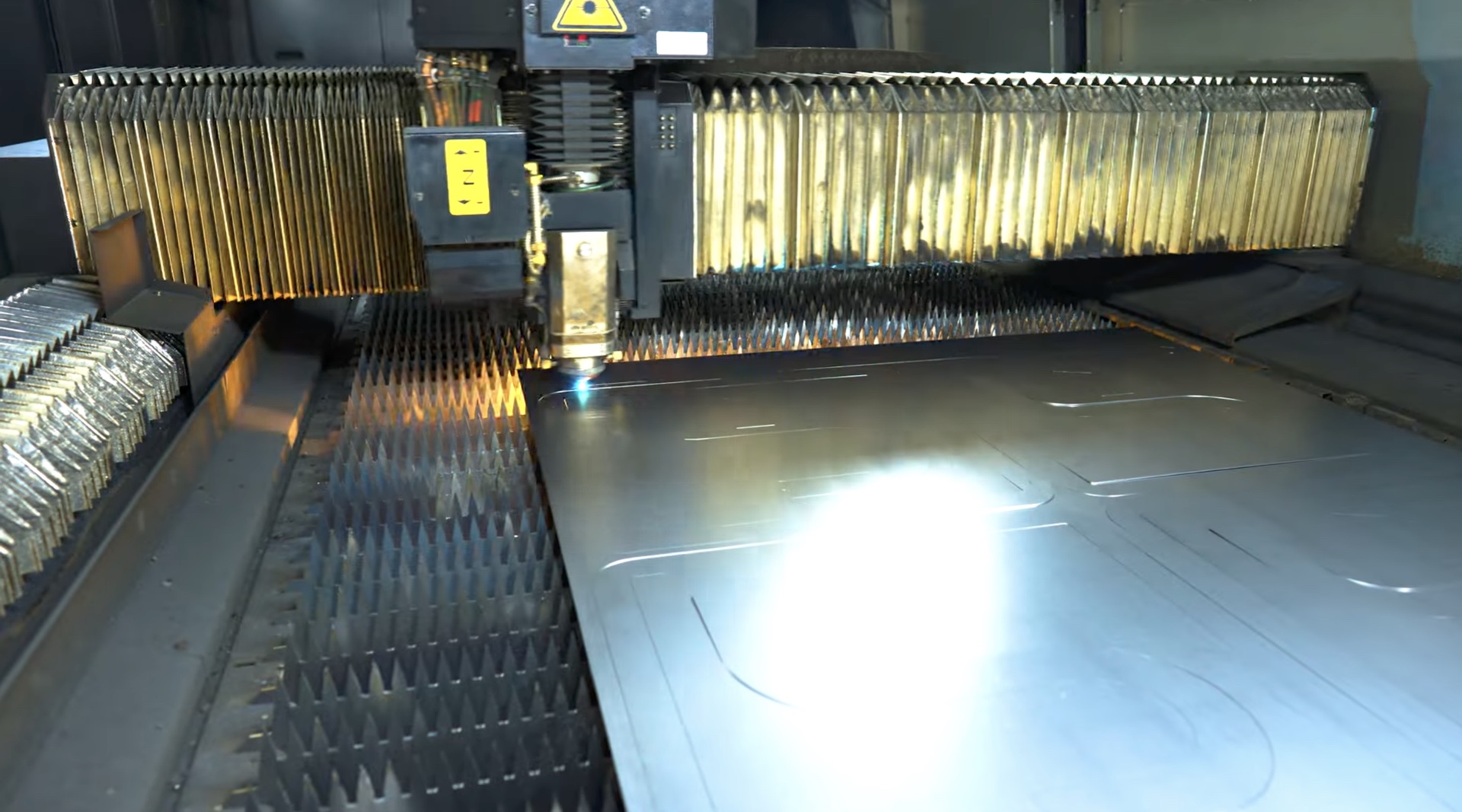
Some manufacturing activity happens inside enclosed equipment or at a scale the camera cannot capture. Simple diagrams can show material flow, internal movement or the relationship between separate production stages.
The most effective animation is usually restrained. Lines, arrows and highlighted areas can guide the eye without replacing real factory footage. Matching the graphic to the camera angle helps viewers understand how the explanation relates to the physical equipment.
This technique supports the same goal as translating complex industrial processes into clear video: preserving technical accuracy while making the sequence accessible to a wider audience.
Plan graphic-friendly shots during filming
Graphics are easier to integrate when the camera team knows where they will appear. A composition may need clean space beside a machine for a label, or a steady overhead shot may be required for an animated process path.
Camera movement should also be considered. Tracking a label beside a moving component is possible, but it requires a stable, clearly visible reference point. A simpler locked shot may communicate the information more reliably.
Capturing alternative versions gives the editor choices. One shot can prioritise dramatic movement, while another leaves enough negative space for text. This small addition to the shot list can prevent compromises later.
Support interviews without repeating them
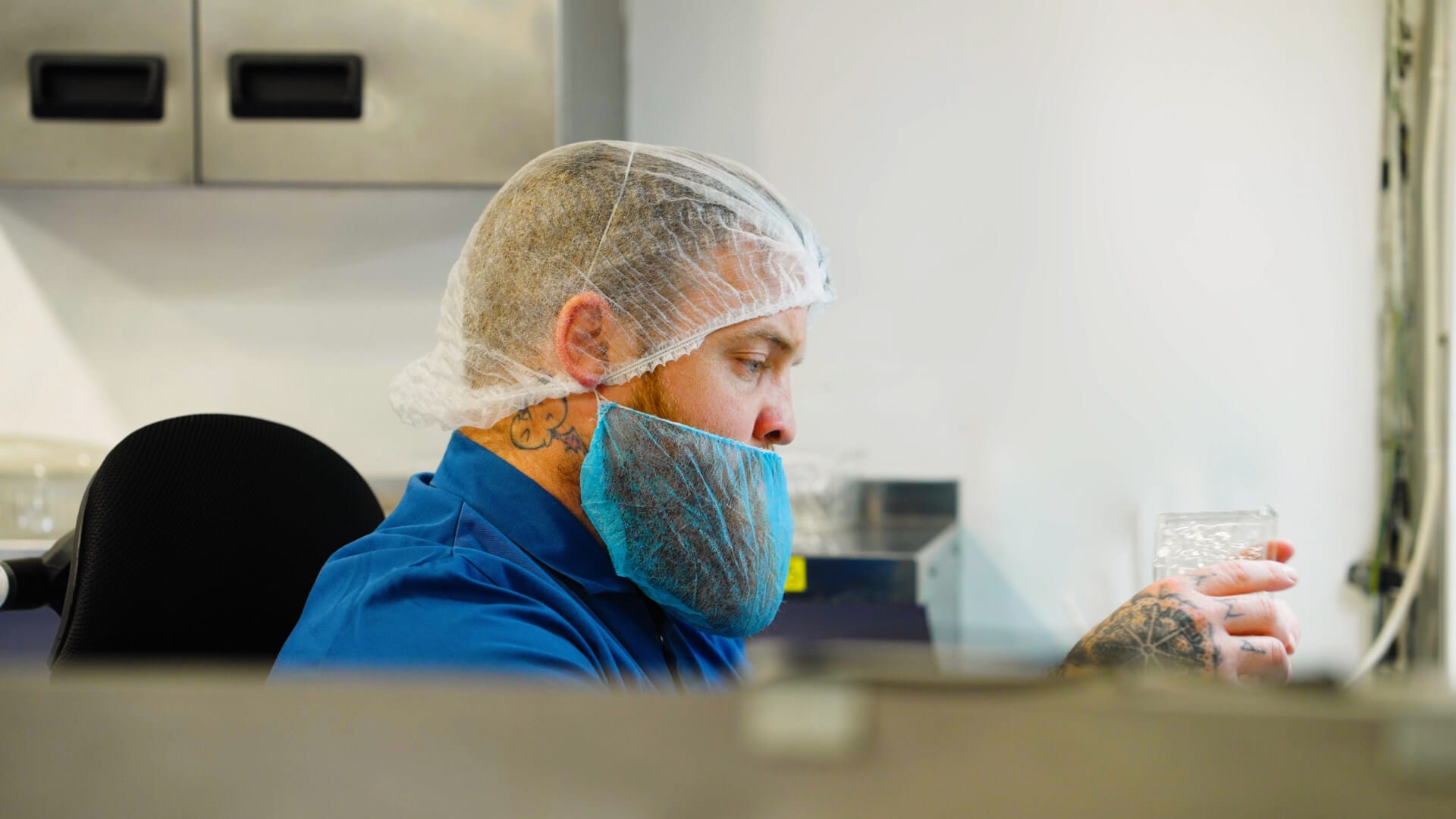
When an engineer explains a process, graphics can highlight the key phrase, identify the component or display a relevant measurement. They should reinforce the spoken point rather than reproduce the entire answer as text.
Name straps are important because they establish each contributor’s authority. Job titles should be clear to an external audience, and consistent formatting helps viewers distinguish names from technical captions.
The interview itself should remain the focus. Advice on selecting credible manufacturing video contributors helps ensure the spoken explanation is strong before graphics are used to support it.
Design for viewers watching without sound
Many videos begin playing silently on websites and social feeds. Subtitles make interviews accessible, while short headline graphics can establish the subject immediately. The visual sequence should still make sense before a viewer turns the sound on.
Subtitles need accurate technical spelling and sensible line breaks. Automated transcription can provide a starting point, but specialist terms, company names and measurements require human review.
Graphics should not compete with subtitles. Reserving consistent areas of the frame for each type of information protects readability and avoids covering important machinery or hand movements.
Keep the design connected to the manufacturer
Fonts, colours and motion should feel consistent with the company’s visual identity. This does not require placing a logo on every frame. A restrained system of headings, labels and transitions can carry the brand more professionally.
Industrial audiences generally value clarity over visual novelty. Animation should feel precise and purposeful, reflecting the confidence of the manufacturing process rather than distracting from it.
A small design toolkit can then be reused across the main film, shorter edits, case studies and recruitment content. Consistency helps separate videos feel like parts of one established library.
Review graphics with technical specialists
Before publication, the relevant engineer or process owner should check terminology, sequence and data. Marketing teams can review tone and brand consistency, while someone unfamiliar with the process can test whether the explanation is genuinely clear.
Reviewing graphics separately from the full film can be useful. A simple list of every caption and figure makes spelling, units and consistency easier to check than watching the complete edit repeatedly.
Changes should be controlled through one agreed feedback route. This prevents conflicting revisions and ensures that the approved technical wording reaches the final version.
Use graphics to make evidence easier to understand
The strongest manufacturing videos combine authentic footage, knowledgeable voices and concise explanation. Graphics contribute most when they reveal what the camera cannot, focus attention on credible proof or help viewers navigate a complex sequence.
By deciding their purpose early, filming suitable compositions and reviewing every technical detail, manufacturers can make on-screen information feel natural. The result is a clearer film that respects expert audiences while remaining accessible to customers who are encountering the process for the first time.